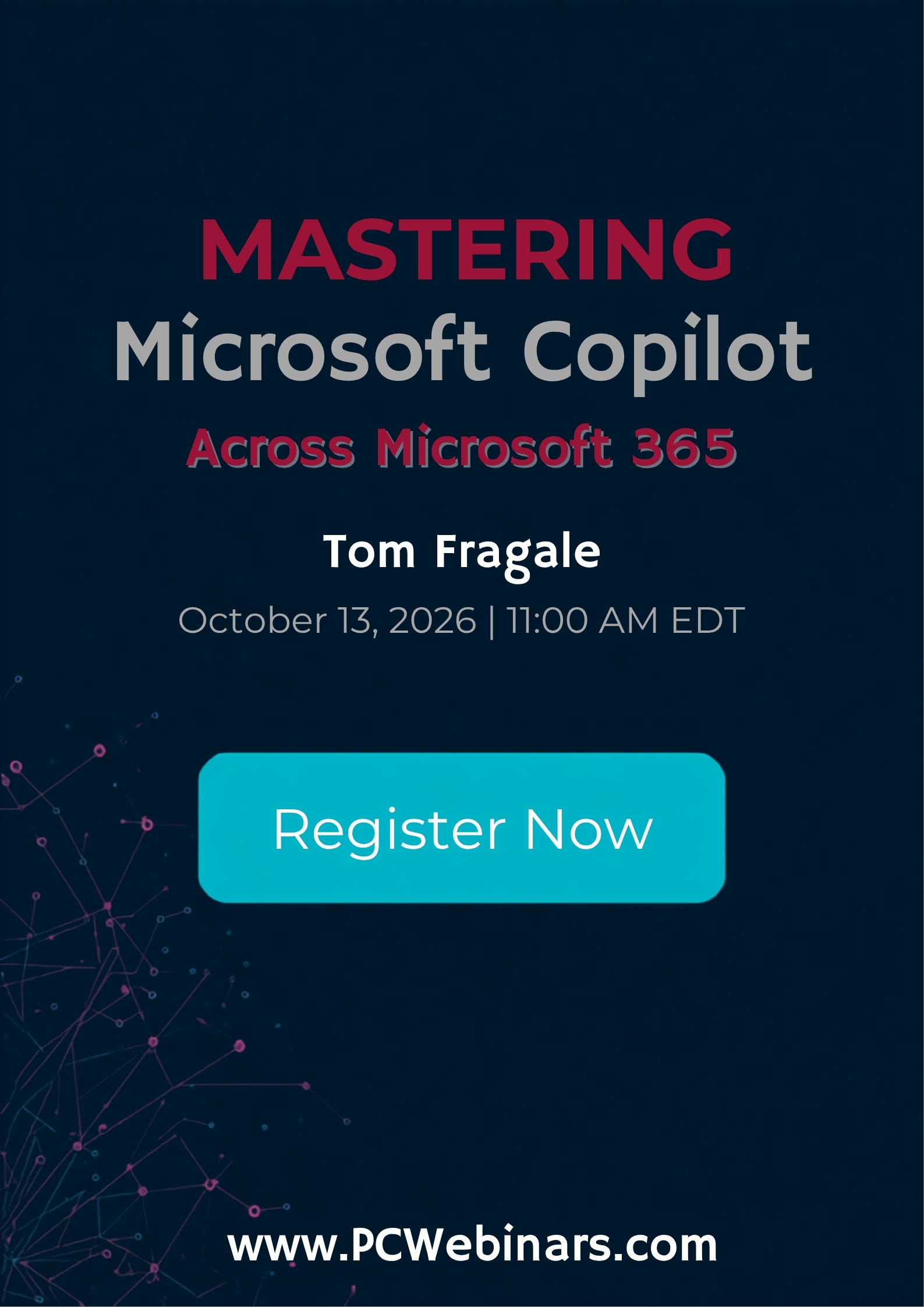
Mastering Microsoft Copilot Across Microsoft 365 (Excel, Word, Outlook, Teams) – 10/13/2026
You will be taken to the registration page to complete your sign-up.
Description
Why should you attend
If you’re already using Microsoft 365, Copilot can help you do more in less time—without learning complex tools or writing code. Attend this webinar to turn Copilot from a curiosity into a daily productivity advantage.
Description of the topic
Microsoft Copilot is transforming how work gets done—but only if you know how to use it effectively. This fast-paced, practical 1-hour webinar will show you how to harness Copilot across Microsoft 365 to save time, reduce manual work, and make smarter decisions with less effort.
Designed for busy professionals, this session goes beyond hype and focuses on real, everyday use cases in Excel, Word, Outlook, and Teams. You’ll learn how to prompt Copilot correctly, avoid common mistakes, and integrate it into your daily workflows to boost productivity immediately.
Whether you’re preparing reports, analyzing data, managing email overload, drafting documents, or collaborating with teams, Copilot can act as a powerful digital assistant—if you know how to guide it.
Areas Covered in the Session
What you’ll learn in this 1-hour session
- How Copilot works across Excel, Word, Outlook, and Teams
- Writing effective prompts to get accurate, useful results
- Using Copilot in Excel to analyze data, summarize trends, and speed up reporting
- Drafting, summarizing, and refining documents in Word
- Managing emails, follow-ups, and meeting prep in Outlook
- Improving collaboration, meetings, and communication in Teams
- Best practices, limitations, and real-world productivity tips
Who will benefit
- Business owners
- CEO’s / CFO’s / CTO’s
- Managers of all levels
- Administrators
- Salespeople
- Trainers
- Bankers
- Office Worker
- All Accounting professionals
- Accountants
- CPAs
- Controllers
- Financial Consultants
- IT Professionals
- Auditors
- Human Resource Personnel
- Bookkeepers
- Marketers
- Secretaries
- Anybody who uses Microsoft Access/Excel on a regular basis, and wants to be more efficient and productive




Reviews
There are no reviews yet.